SplatMan Desktop is being developed rapidly. The following roadmap is what you can expect:
Implemented
Export: PLY, SOG, SOG-LOD, SPZ
Import Formats: PLY (3DGS or PointCloud), SOG, LCC, LCC2-SOG, SPZ, LAS, E57
Floor: visualisation of floor, vertical adjustment
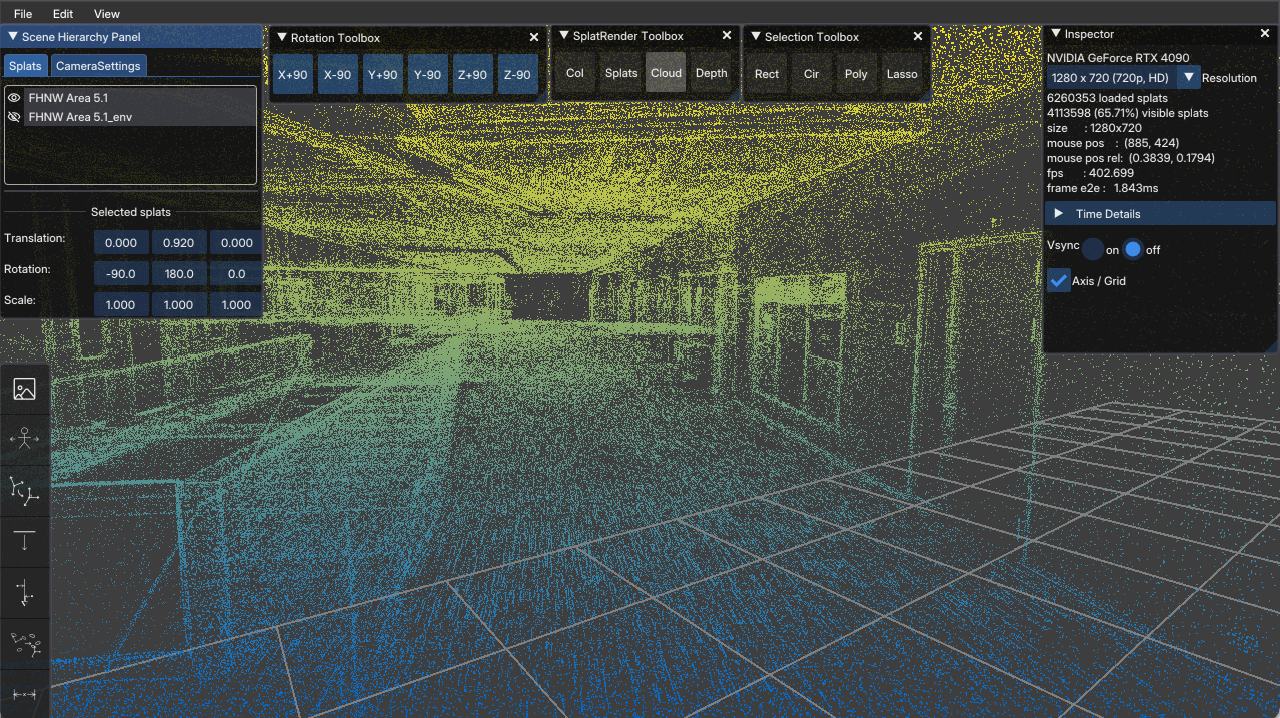
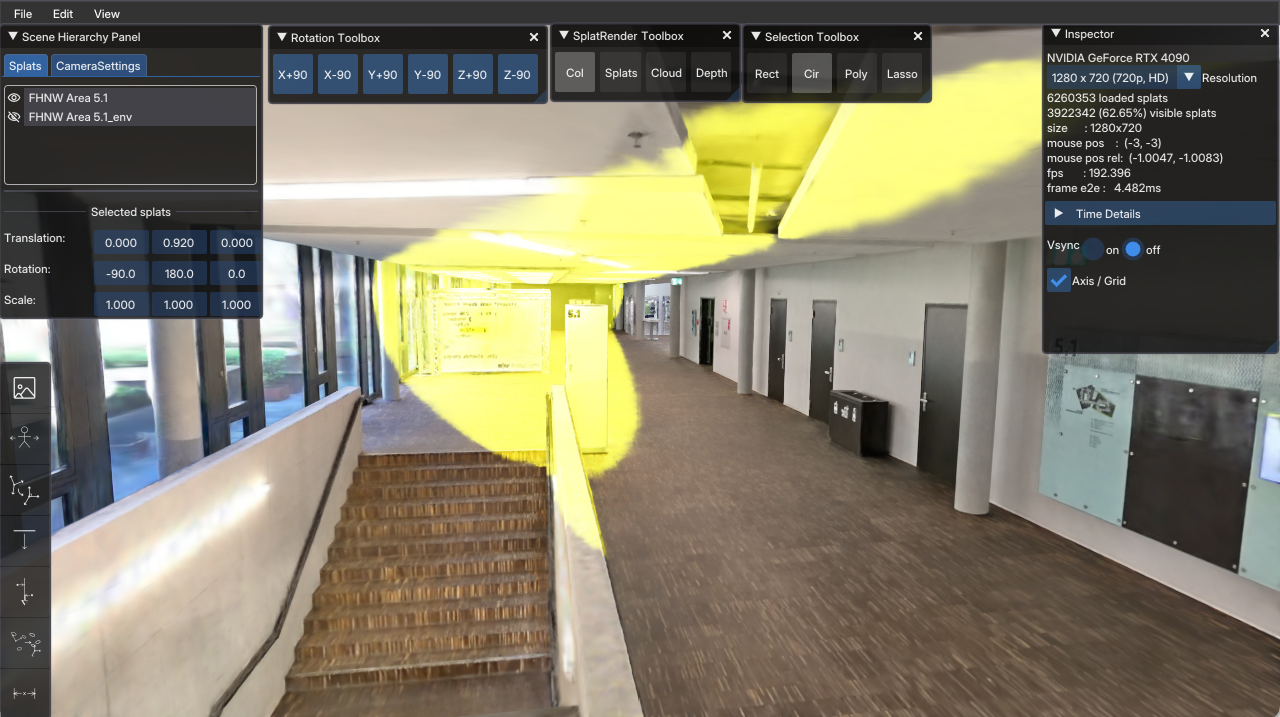
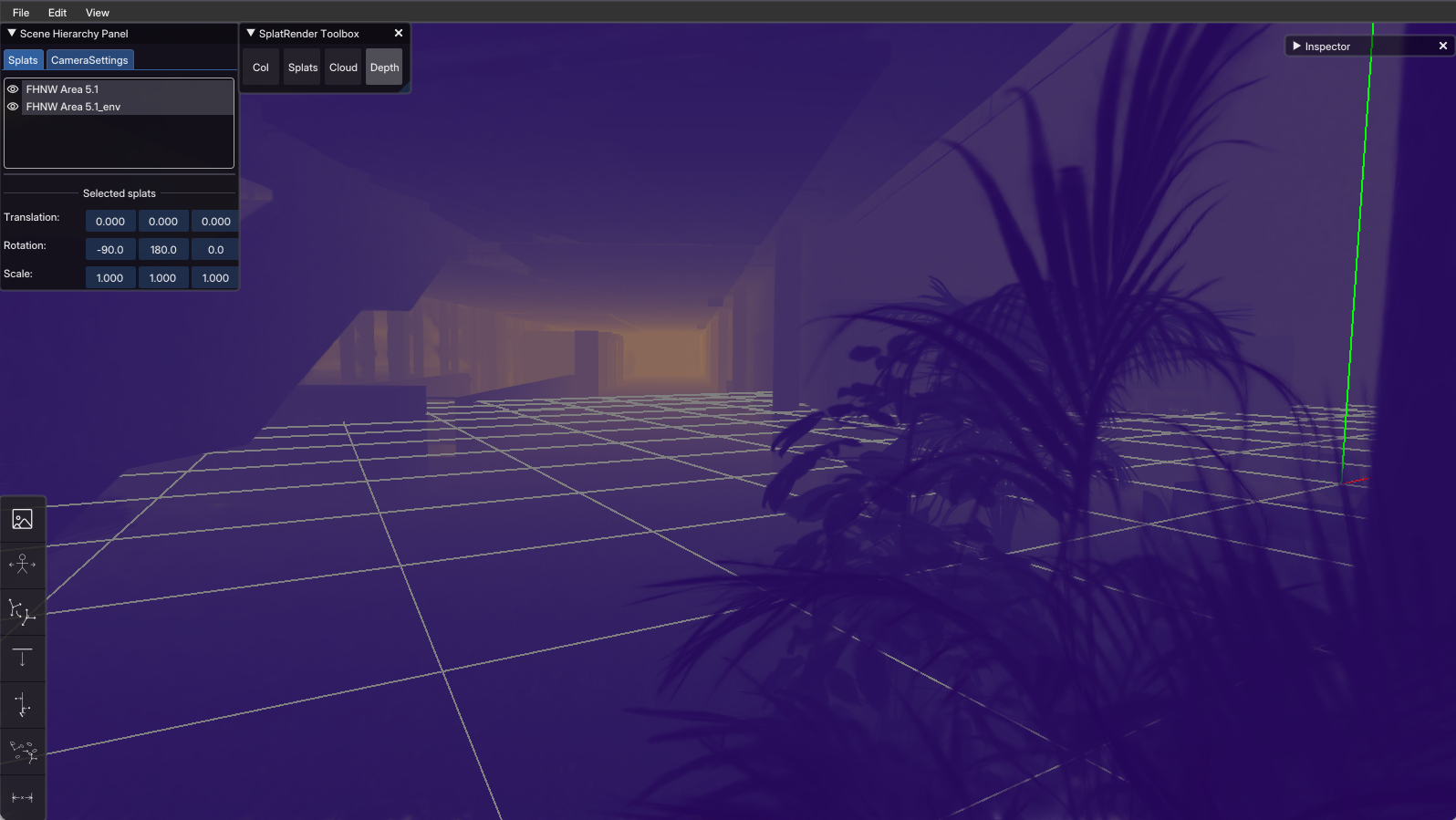
Rendering Modes: normal, ellipse, points, depthmap, vertical-cut
Origin: visualisation of origin (0/0/0), adjust dataset to new origin
Select & Blur: blur selected gaussians (e.g. to blur out car number plates)
Multi-Splat Support: multi-splat-list, visibility per splat, editing affects selected splats
Select & Delete: base operations in 2D/3D to select, all/none/invert, delete/undelete, apply deletion on save
Base Transform Operations: rot, shift, scale, vertical alignment
Multi-splat: 4-points alignment, merge with softedge-blending (plane/box/sphere)
Camera: free fly, v-lock fly (mouse + ASDW, QE)
UI: functional with room for improvements :-)
Update Mechanism: auto-detect new releases, prompt user to download and install
Measure: measure, save/load measurements as json
Headless: CLI-mode
TODO
Camera: orbit mode
Support for more Import Formats: LCC2-SPZ, RAD
UI: nice and polished
Voxel-Collider: load/generate SuperSplat-Viewer-compatible voxel-colliders
Camera: walk-mode, compatible with SuperSplat-Viewer (based on voxel-colliders)
Render: visualise SuperSplat-Viewer-compatible voxel-colliders